
|
|
Article ID: 1234
Last updated: 05 May, 2020
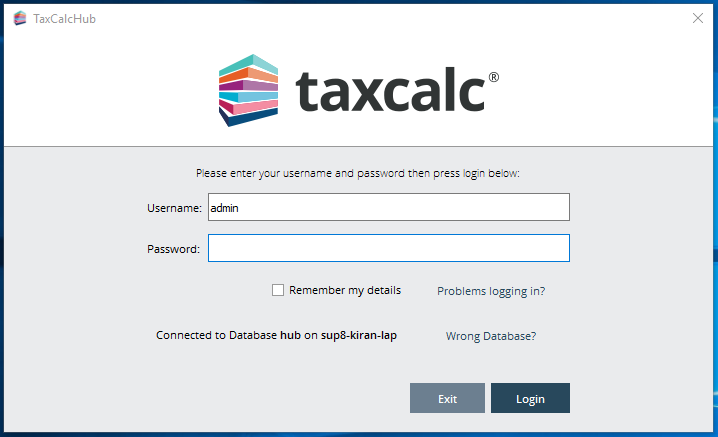
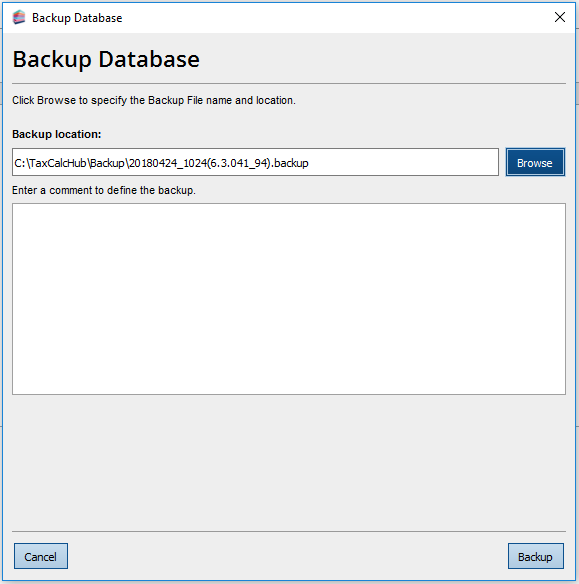
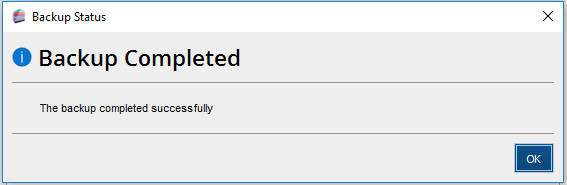
TaxCalc uses a database to store client, accounts and tax return data. This SimpleStep guide will help you to take regular backups. If you run TaxCalc on a network, you must perform the backup on your server. You can't run a backup remotely from a computer that's connected to the server. Step 1: Log into TaxCalc as the admin userOpen TaxCalc and log in with your user account details.
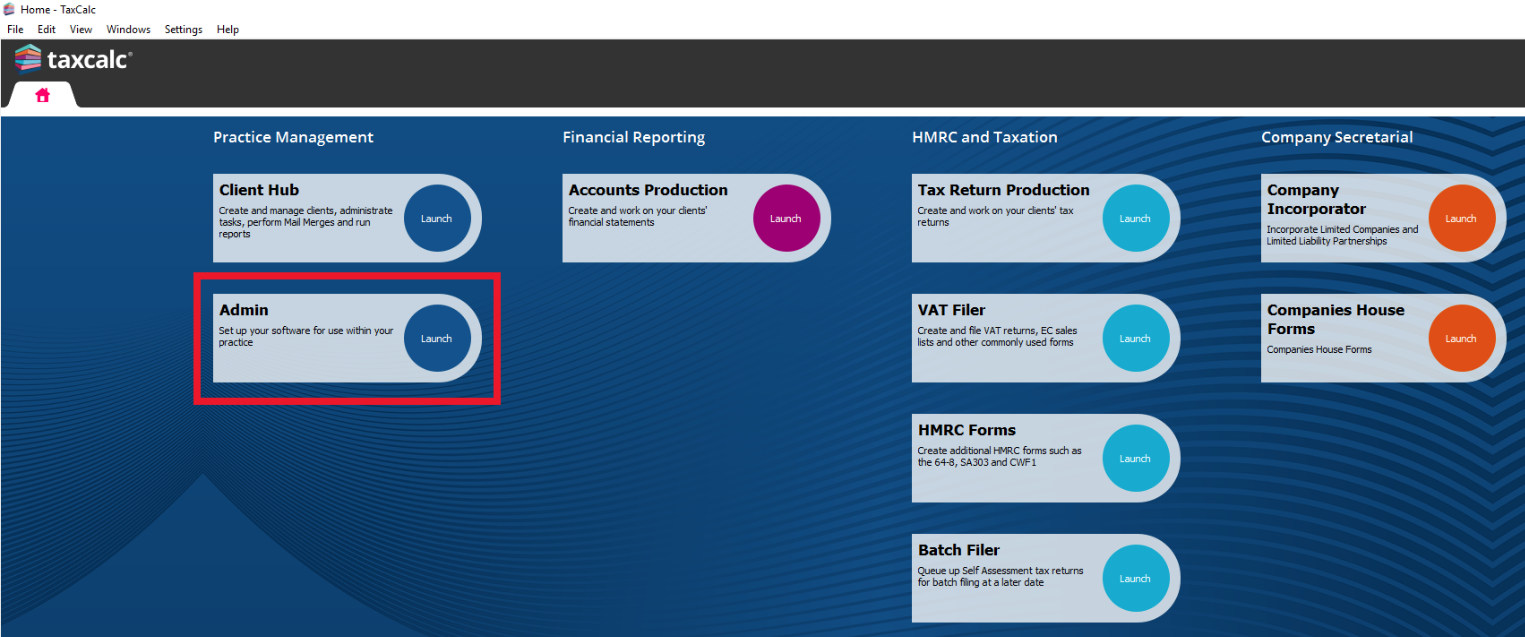
Step 2: Open Admin CentreLaunch Admin from the home screen.
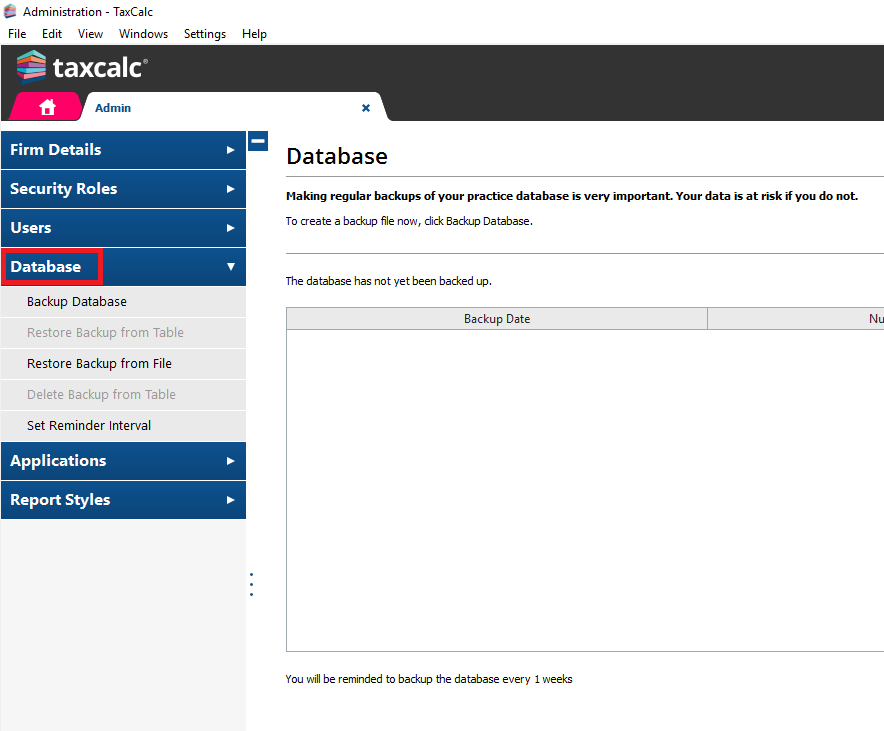
Step 3: Open the databaseWhen Admin opens, select Database from the left-hand menu.
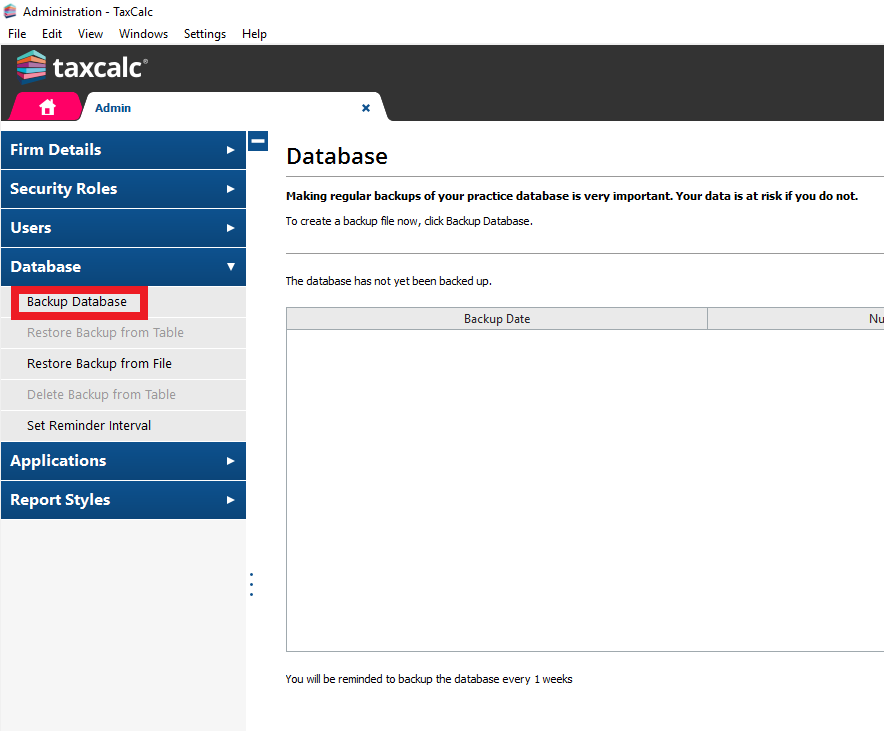
Step 4: Click on Backup DatabaseSelect Backup Database from the left-hand menu. |
||||||||||||||||||
|
Article ID: 1234
Last updated: 05 May, 2020
Revision: 9
|
Views: 4795
|


| Also read | |
 |
How to import/restore tax return files when moving from the personal to practice interface? |
| Also listed in | |
 |
Technical |
|
Technical -> Backing up and Restoring |
