On occasion when users are restoring a database through the hub, the following error can occur.
Restore Status
Restore Error - The database restore has failed as the backup file cannot be read. This could be a result of a network connection error or possibly a hardware issue, please check and try again.
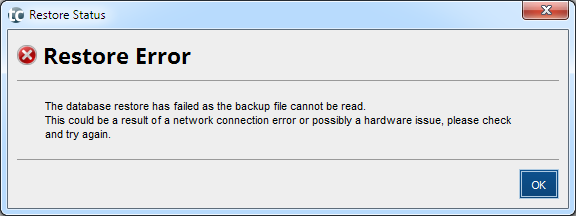
The reasons for this are normally as follows
- The database is located on a remote drive. move the database to a drive local to the server where the Program is installed and re-try.
- The Postgres database is corrupt
- If the database is on Cloud, it could be that the automated or recent manual backup is not available on the cloud server
In some cases a failure to restore may leave the program unable to connect to the database. Please contact TaxCalc support if you are unable to proceed.
