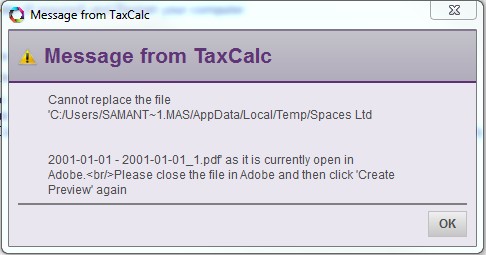
If you receive this error message when trying to print a CT600, it's usually because there's an extra space or spaces at the end of the company name (either within Practice Manager or on the tax return).
To remove the space(s), follow these steps:
- In Practice Manager, double-click on the client name to open it.
- Under Company Information, delete any trailing spaces at the end of the company name.
- Save the changes.
- Open the CT600 tax return.
- Delete any trailing spaces at the end of the company name.
- Print the return.