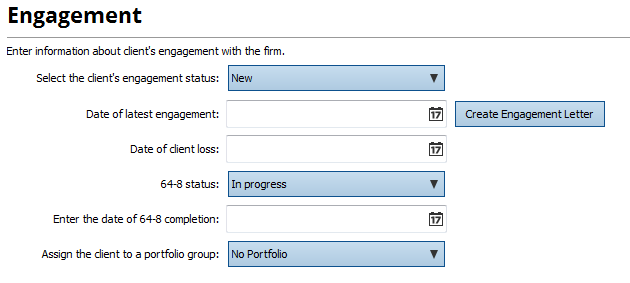
TaxCalc can automatically help you create a 64-8 and an engagement letter when you create and save a new client.
If the engagement status of the client is New (shown under the Engagement screen),then TaxCalc will ask if you want to create a 64-8 and/or an engagement letter when you save the client after clicking Finish>Finish and Save.
.png)
If you don't have the status set to New, click on the Create Engagement Letter button to create one straight from the creation screen.