
|
|
Article ID: 2636
Last updated: 17 Oct, 2019
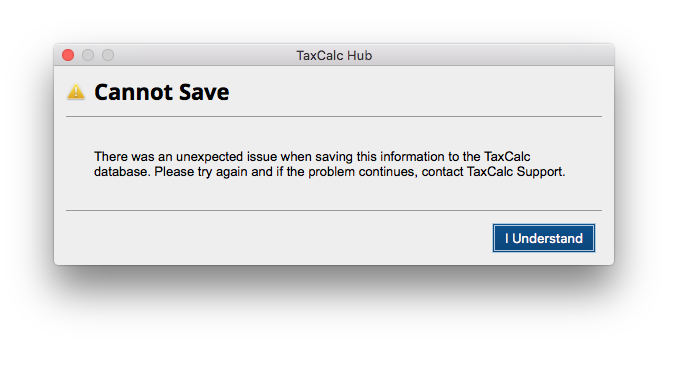
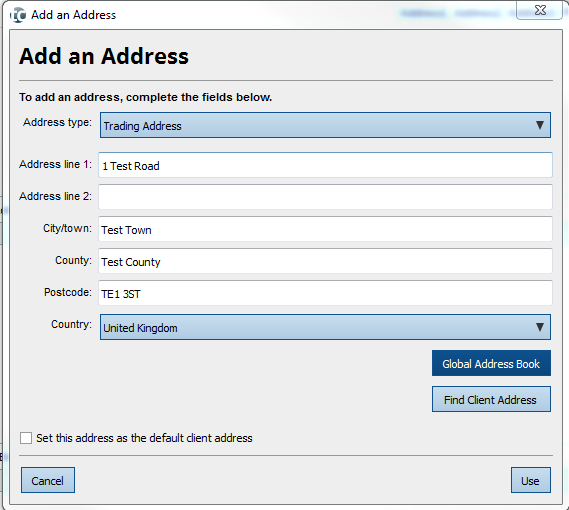
If you are running the standalone version of TaxCalc, you may experience a saving error when creating a new client in Practice Manager: This occurs when using the Global Address Book to input the client address on version 5.2.060. To get around this while we work on a fix for the error, you will need to type in the address manually:
If you still receive the error following this fix, you will need to:
This should allow you to save the client information without an error. If you encounter any further problems, please get in contact with our Support team.
This article was:
|


Powered by KBPublisher (Knowledge base software)