If you are running the standalone version of TaxCalc, you may experience a saving error when creating a new client in Practice Manager: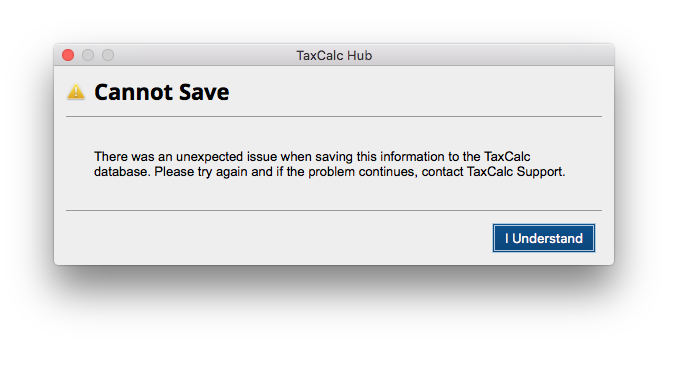
This occurs when using the Global Address Book to input the client address on version 5.2.060.
To get around this while we work on a fix for the error, you will need to type in the address manually:
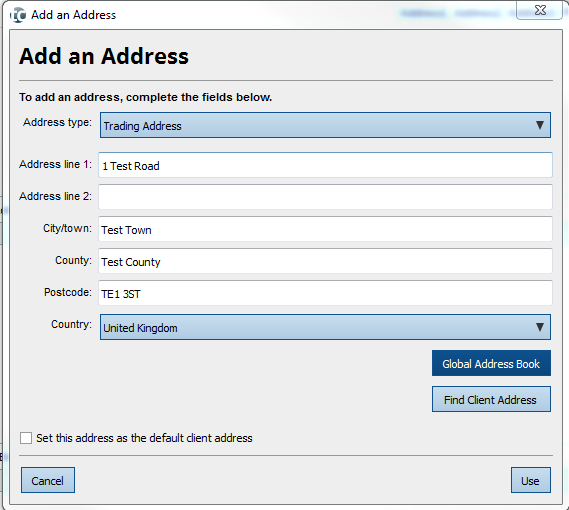
If you still receive the error following this fix, you will need to:
- Use the Quick Setup button.
- Save the client.
- Go back to Edit the Existing Client.
- Fill in all of the usual client details.
- Enter the address manually.
- Go to Finish and Save.
This should allow you to save the client information without an error.
If you encounter any further problems, please get in contact with our Support team.