|
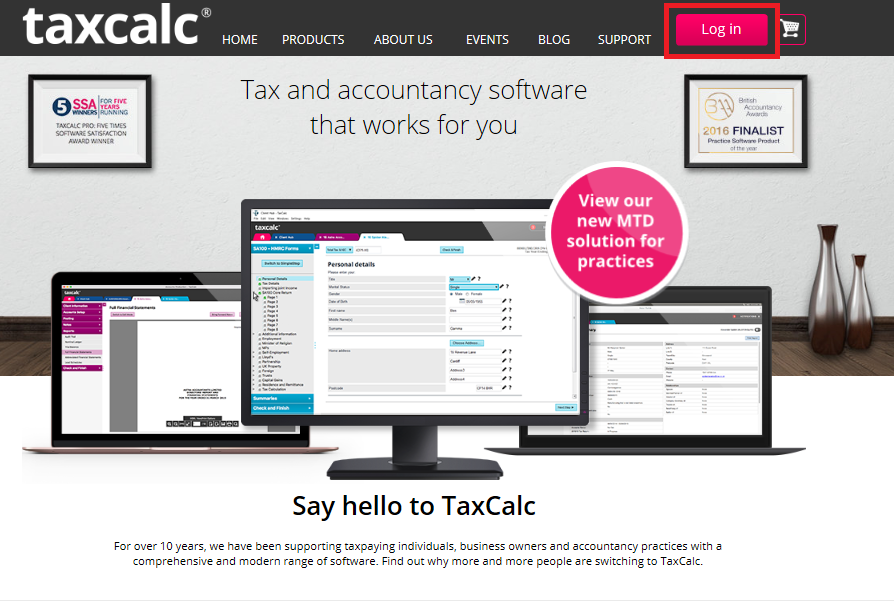
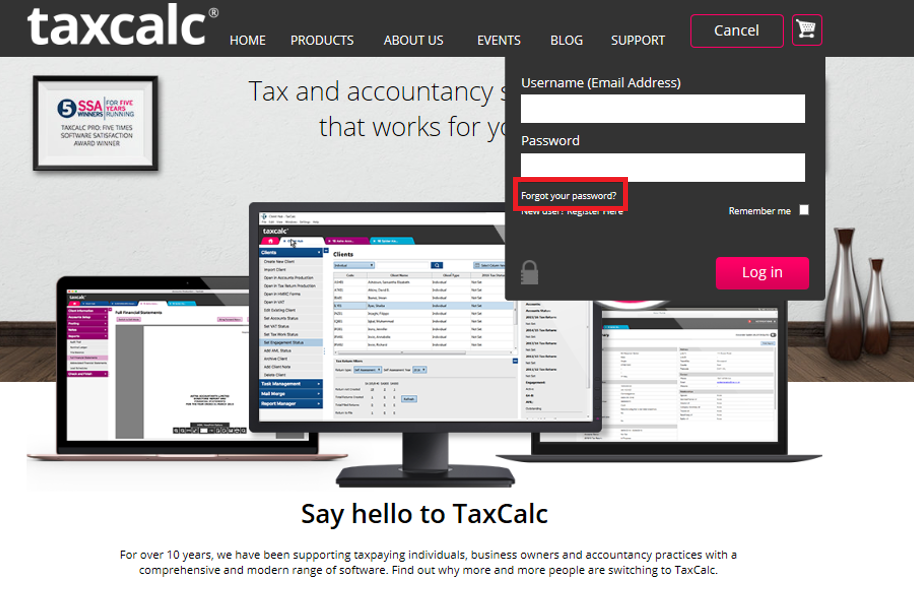
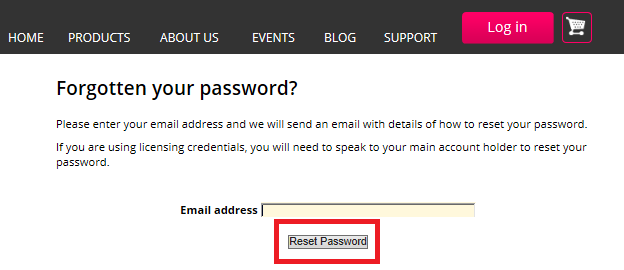
If the password you are using to access the TaxCalc website does not allow you to log, in it will need to be reset.
If you do not have access to the email account (to let you reset the password) or cannot remember the email address you registered with, please contact TaxCalc Support for the next steps. You can email Support through the contact form (including as much detail as possible) or call us during support hours. |

Powered by KBPublisher (Knowledge base software)