- In Practice Manager select the client and select Edit Client/Contact.
- Select Company Information.
- The Type of Company field is greyed out, which means it cannot be amended at present.
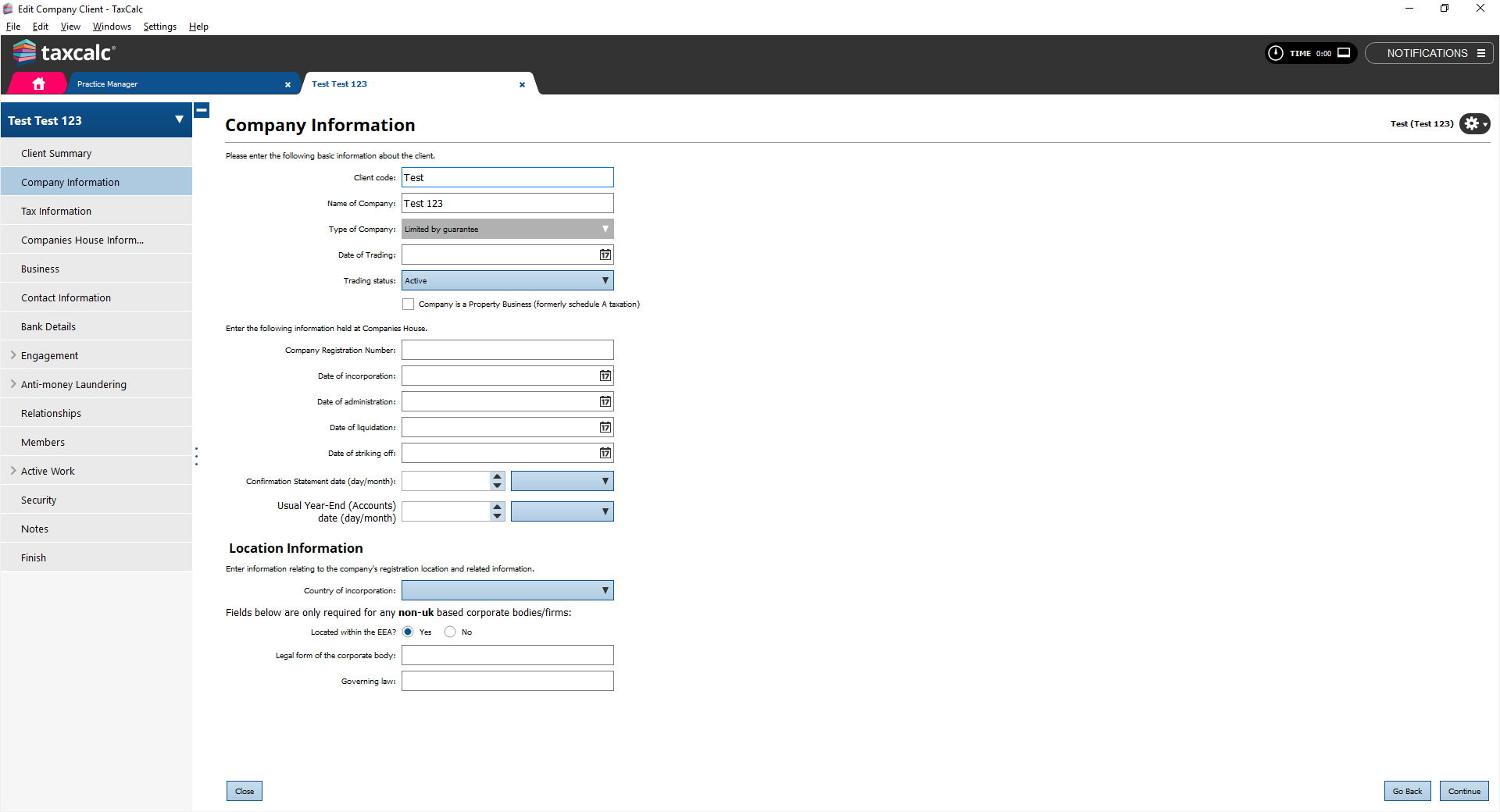
- To be able to amend the Type of Company you must first delete any relationships setup.
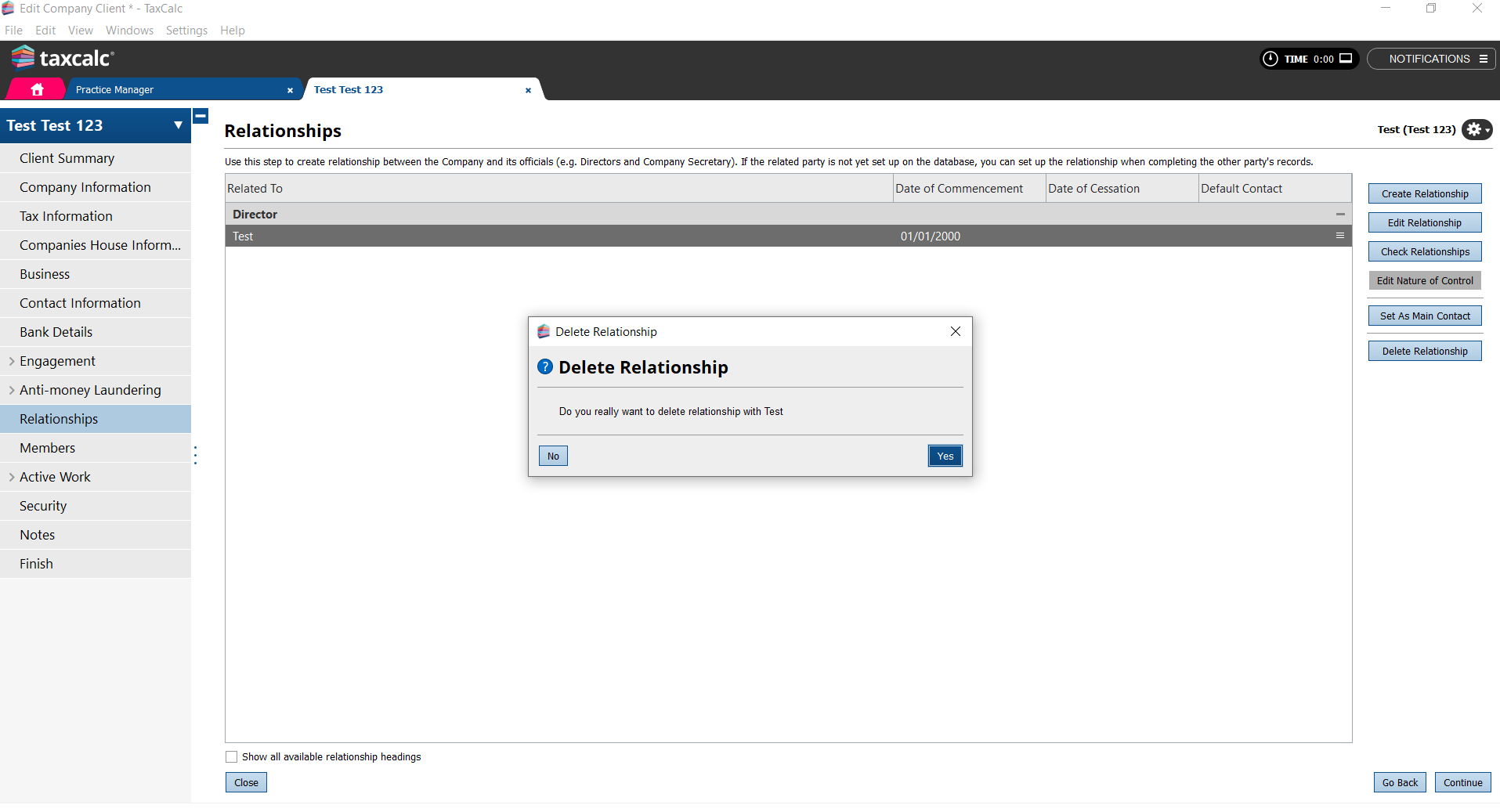
- Click Finish and Save to save your changes.
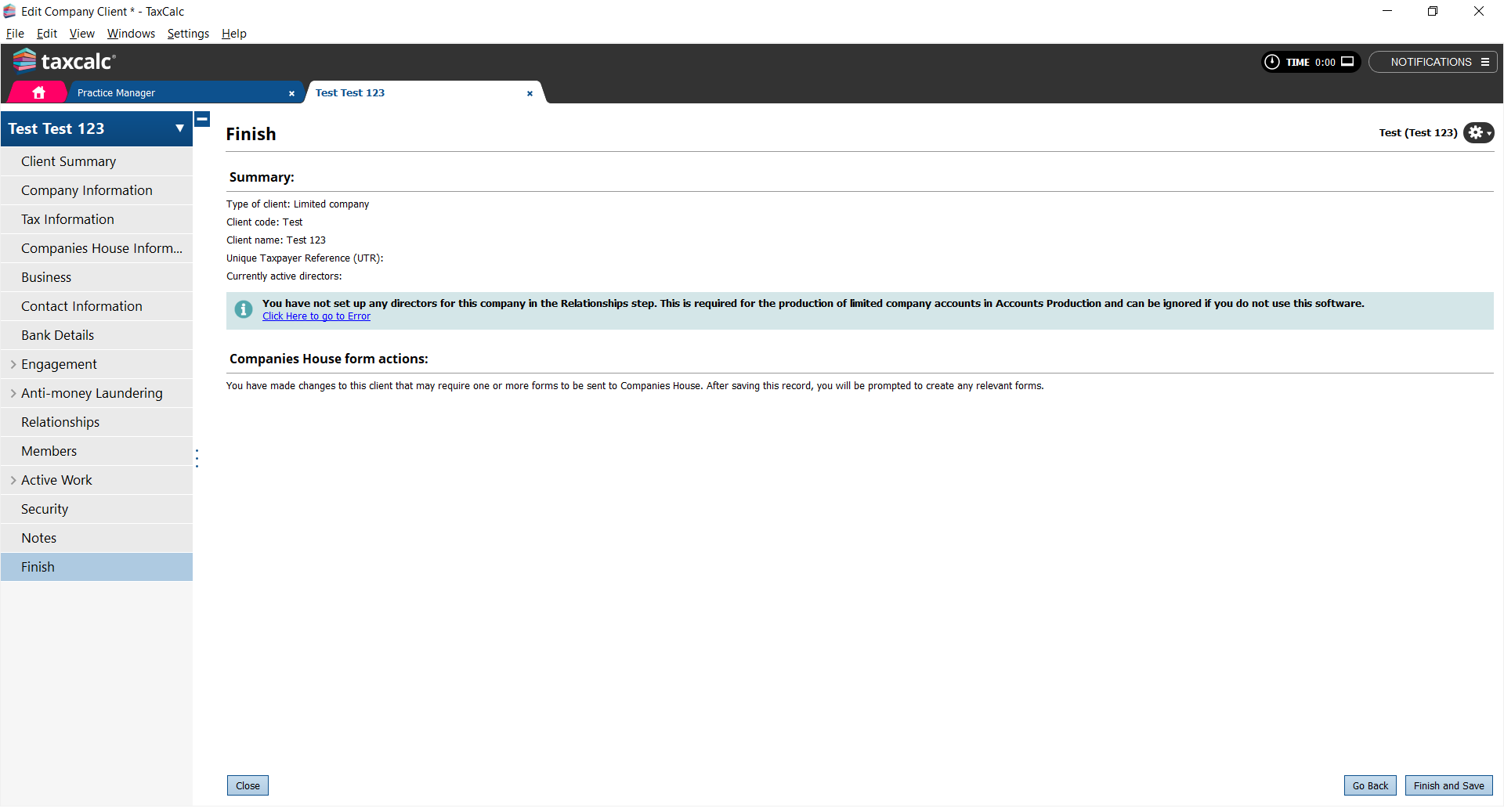
- In Practice Manager select the client again.
- Select Edit Client/Contact.
- Select Company Information.
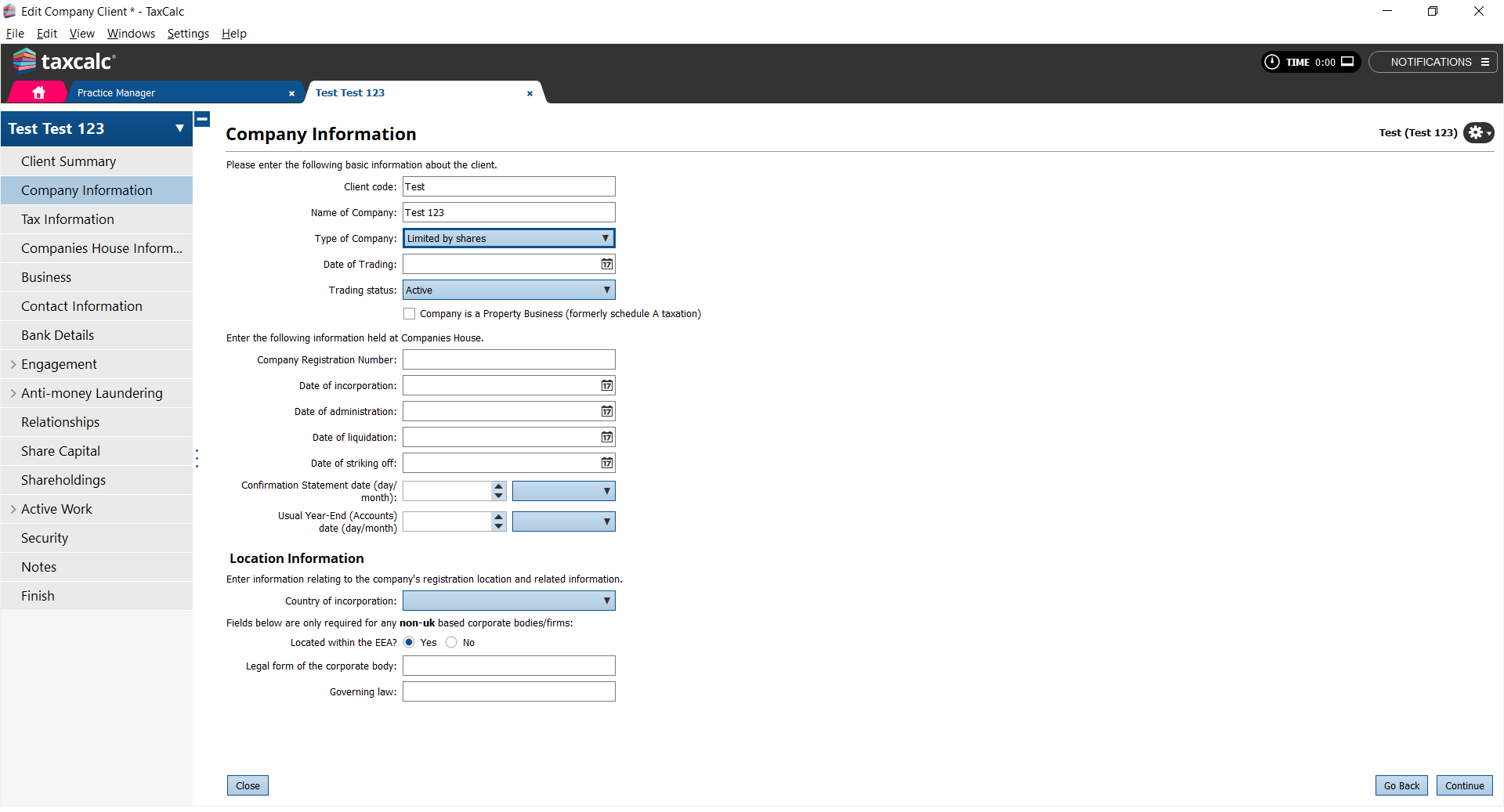
- You now have the option to change the Type of Company.
- Select Limited by shares from the Type of Company dropdown list.
- If you have created the period for accounts and tax then these will have to be deleted.
- In Practice Manager, select the client and click Open in Accounts Production.
- From the Open Client dialog, select the period.
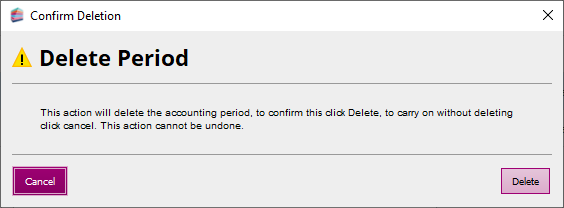
- Click Delete Period.
- Do the same for Tax Return Production.