TaxCalc
Accounting practices
Individuals and businesses
Individual Tax Returns
Limited Company Tax Returns
Partnership Tax Returns
Trust Tax Returns
MTD Quarterly Filer for Individuals
VAT Filer for Business
My Account
Knowledgebase
Downloads
Glossary
Ask a Question
All Content
Articles
Files
Advanced search
KB Home
/
Practice Manager
/
How to change from limited by guarantee to...
/
Email to friend
Email to friend
*
Your Name:
*
Your Email:
*
Friend's Email:
Multiple emails allowed. Separate with commas
Comment:
OK
How to change from limited by guarantee to limited by shares and vice versa once a client has been set up.
In
Practice Manager
select the client and select
Edit Client/Contact
.
Select
Company Information
.
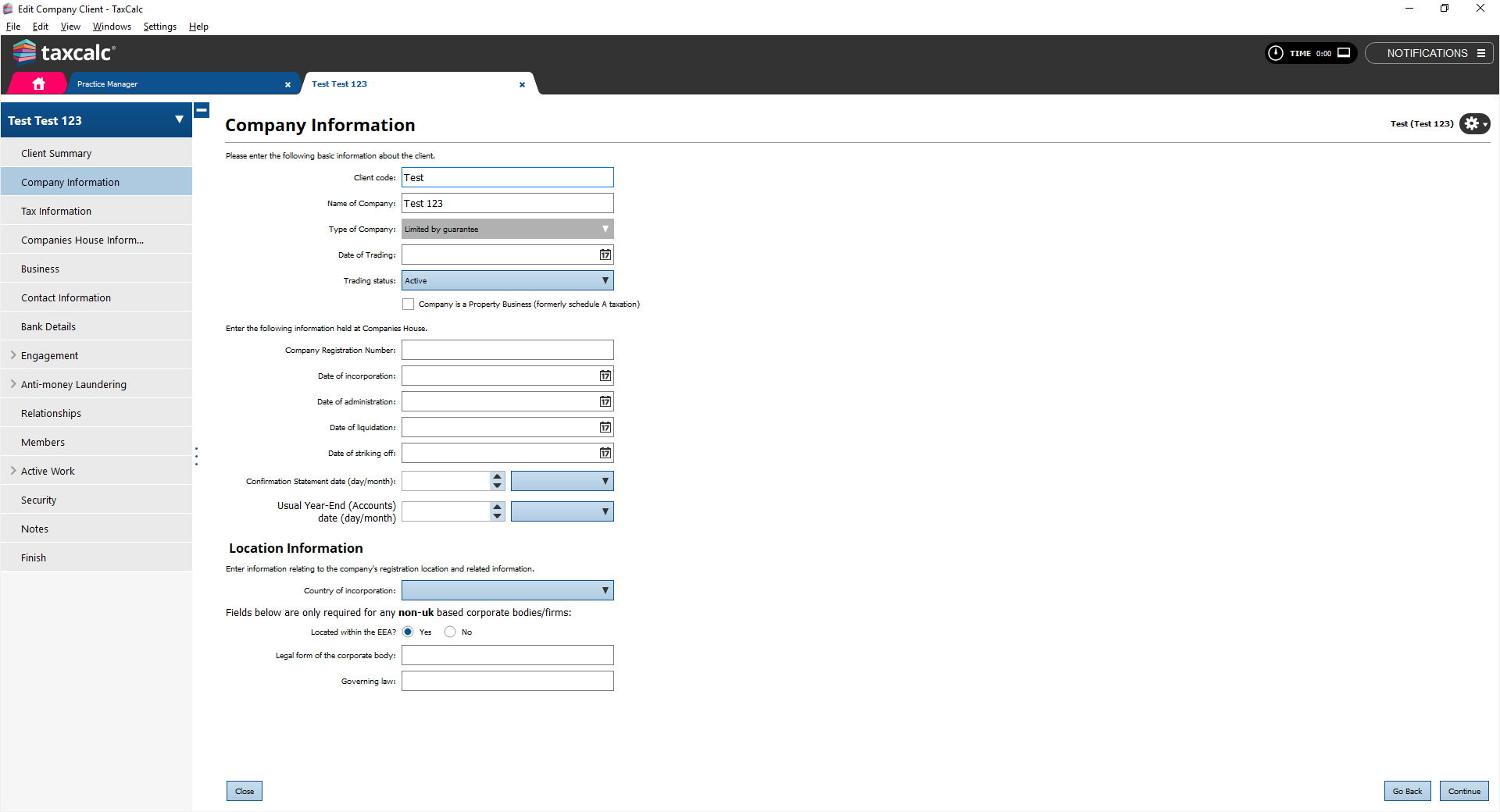
The
Type of Company
field is greyed out, which means it cannot be amended at present.
To be able to amend the
Type of Company
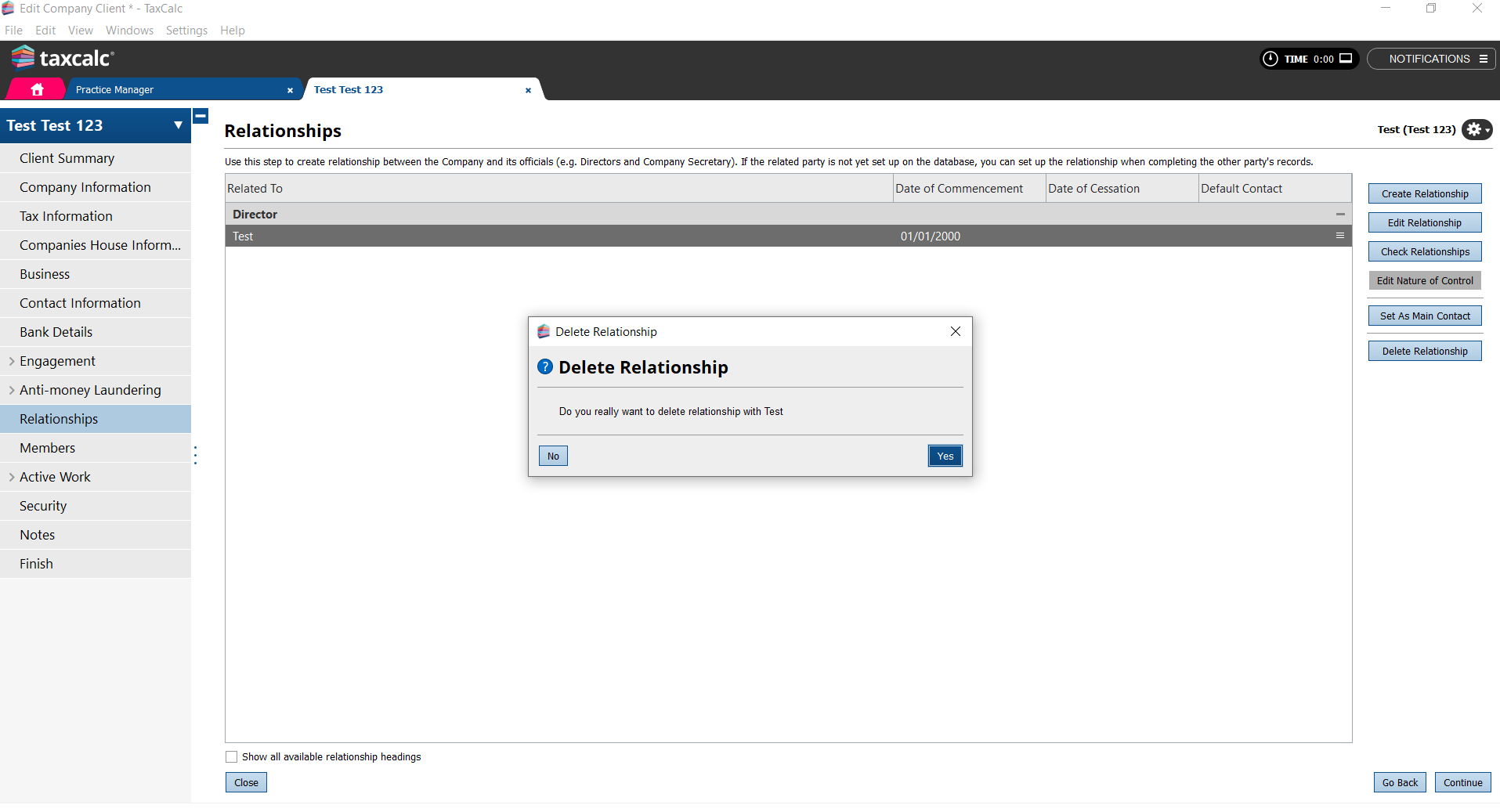
you must first delete any relationships setup.
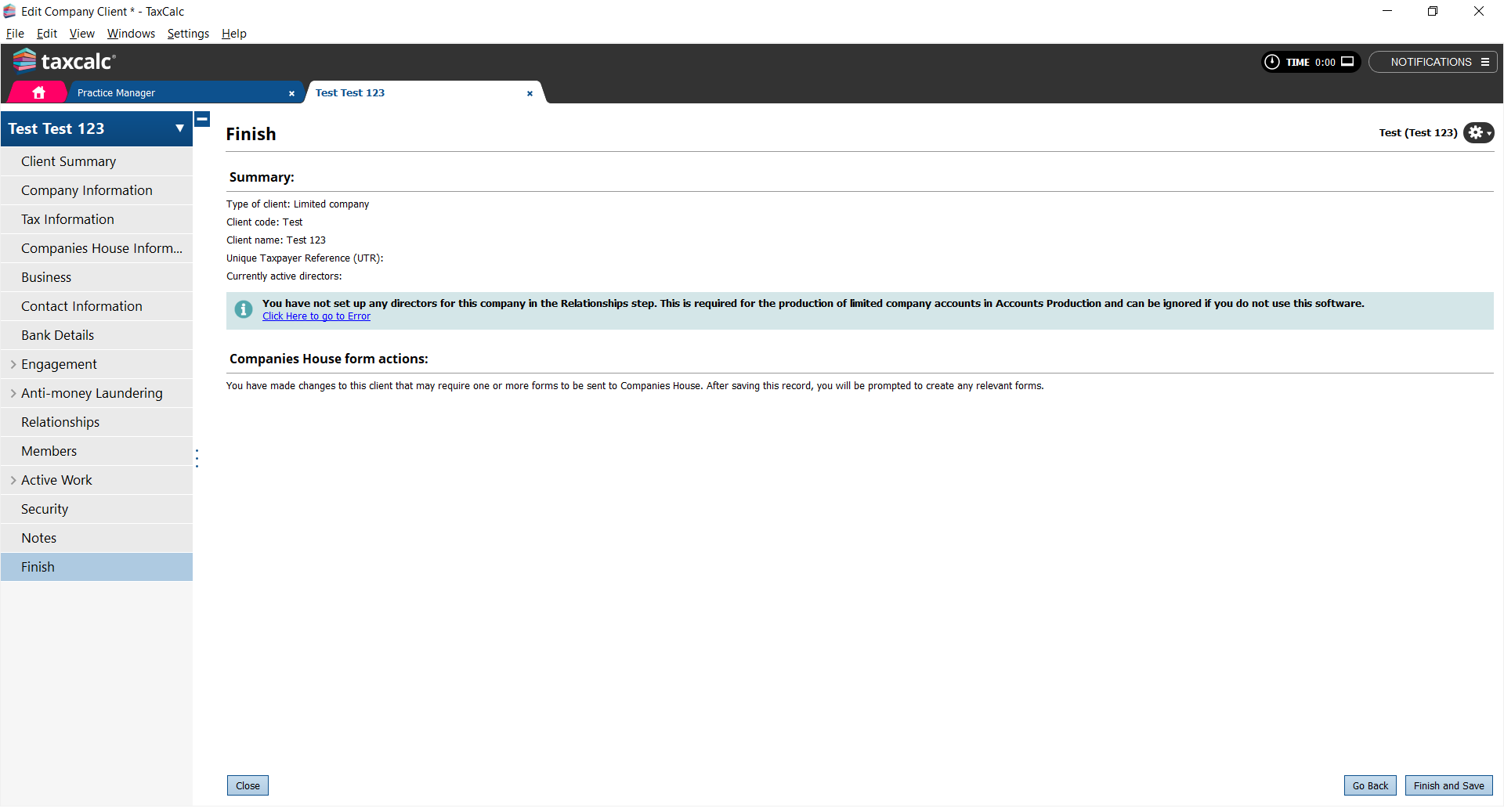
Click
Finish and Save
to save your changes.
In
Practice Manager
select the client again.
Select
Edit Client/Contact
.
Select
Company Information
.
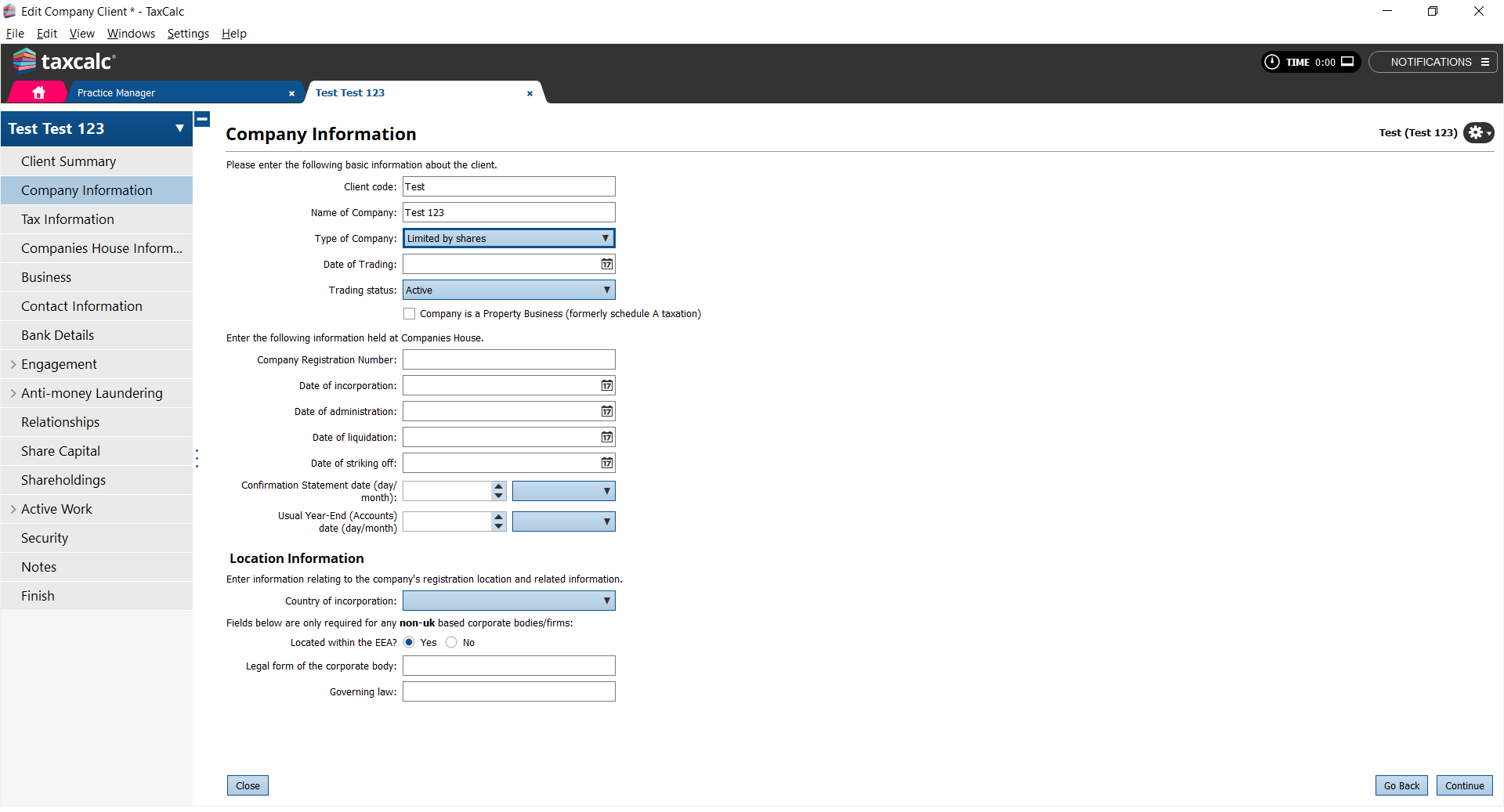
You now have the option to change the
Type of Company
.
Select
Limited by shares
from the
Type of Company
dropdown list.
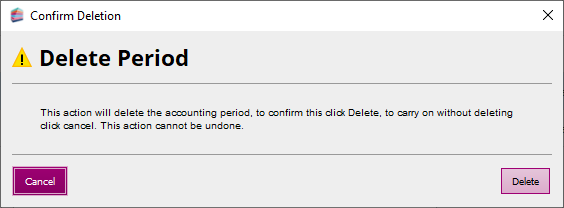
If you have created the period for accounts and tax then these will have to be deleted.
In
Practice Manager
, select the client and click
Open in Accounts Production
.
From the
Open Client
dialog, select the period.
Click
Delete Period
.
Do the same for
Tax Return Production
.
Powered by KBPublisher
(Knowledge base software)
Need more help
choosing the right
products?
Please contact our team on
0345 5190 882